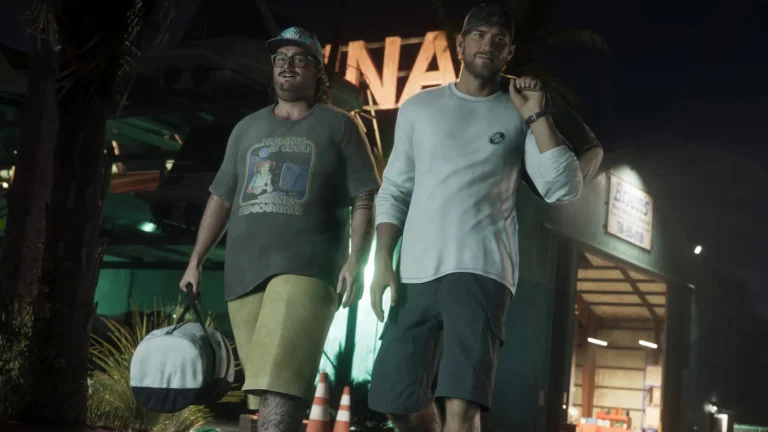
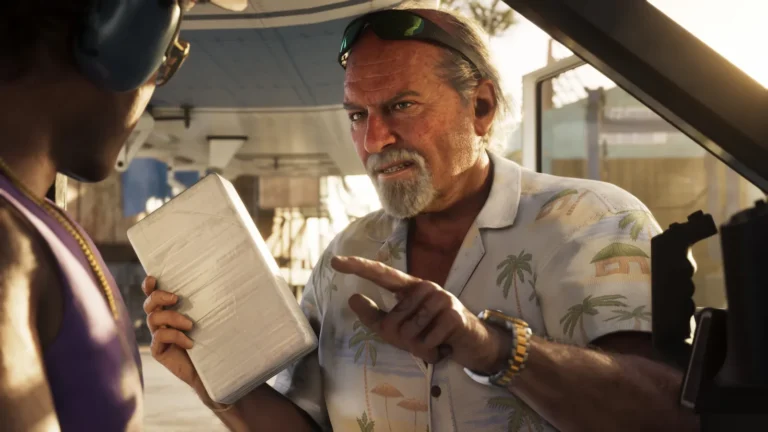
How to Avoid GTA 6 Spoilers After Launch: Social Media, YouTube and Group Chats
GTA 6 is one of the biggest launches in gaming history, and spoilers about the story, the ending and big surprises spread within hours. If you want to experience Jason and Lucia’s story fresh, here is how to protect yourself while you play at your own pace.
1. Mute keywords on social media
- X (Twitter): add muted words such as “GTA 6 ending”, “GTA 6 spoilers”, character names and mission names.
- Instagram and Threads: use the hidden words feature for comments and messages.
- TikTok: filter video keywords in content preferences and tap “Not interested” on GTA 6 story clips.
- Facebook: snooze GTA fan pages and groups temporarily.
2. Clean up YouTube
Thumbnails are the most common source of spoilers. Pause watch history so the algorithm stops pushing GTA videos, mark story videos as “Not interested” and avoid the search bar for GTA terms until you finish the story.
3. Reddit and forums
Leave or mute GTA subreddits during your playthrough, or use only threads clearly marked spoiler-free. Browser extensions that hide keywords can help.
4. Discord and group chats
Ask your friends to use spoiler tags, or mute GTA channels. In group chats, agree on a spoiler-free rule until everyone finishes the main story.
5. Streams
Avoid live streams of story missions. If you watch streamers for GTA Online or open-world content, check the title first.
6. News sites and notifications
Turn off push notifications from gaming apps and news sites for a few weeks. Headlines can reveal major twists.
7. Play smart
- Set aside time to progress through the story early.
- Do side activities after the main missions if spoilers worry you.
- Stay off GTA Online chat until you finish the story if you are worried about voice chat spoilers.
Our promise
Our guides clearly label any story details. Start with our GTA 6 beginner tips and explore map and locations guides without story spoilers.